Pixelhooks records every HTTP request sent to a throwaway URL and lets you program exactly what it sends back - a see-both-sides scratch endpoint for building against webhooks and agents, with an MCP server so your assistant can drive it.
Building against an HTTP endpoint usually means working blind in two directions at once. You can't see what a service is actually sending you until you've built the thing to catch it, and you can't easily make a real endpoint hand back the exact response you need to test your own code against. So you stub something local, guess at the shape, and hope production agrees.
Pixelhooks gives you both sides. It's a throwaway URL that records every request sent to it - and lets you program exactly what it sends back.
See what any service sends
Create a bin, point any webhook or HTTP client at its capture URL, and every request shows up live: method, headers, body, query, path. It replies 200 OK by default, so the sender behaves exactly as it would against your real endpoint, and any sub-path lands in the same bin with the path preserved.
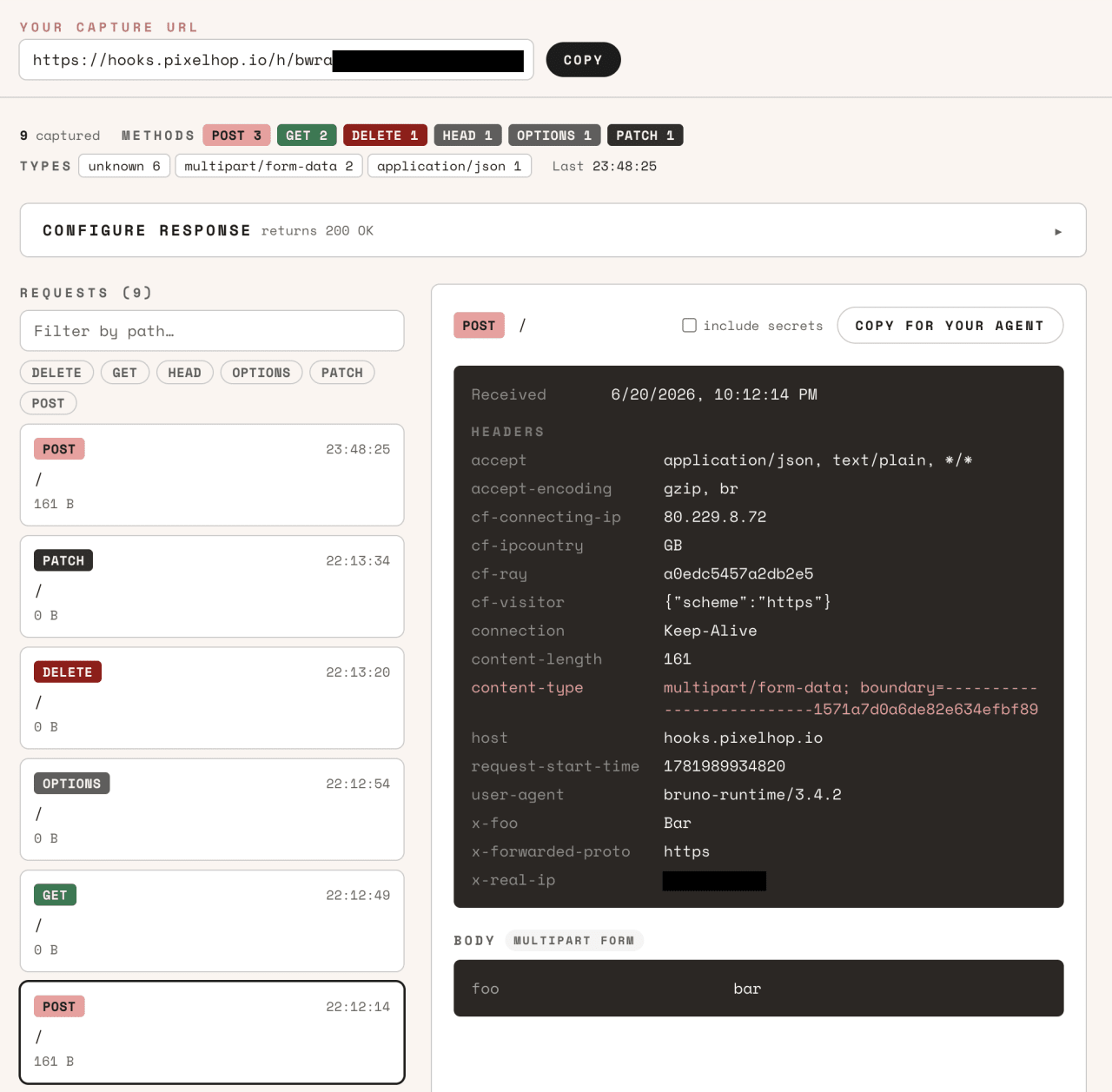 Every request laid out in full - and a "Copy for your agent" button that hands the whole thing to your assistant.
Now make it talk back
Here's the part that changes what Pixelhooks is for. A bin's owner can configure the response it returns - status code, body, headers, even an artificial delay. So instead of a passive recorder, you get a programmable endpoint to build against:
- Return a
503 with a Retry-After header and check your retry logic actually backs off.
- Send a
Location and make sure your client follows the redirect.
- Hand back a JSON ack and confirm your code parses it.
- Add a five-second delay and watch your timeout handling kick in.
You set it from the Configure response panel on the bin, or over the API (PUT /api/bins/:id/response). It's owner-only, so your config never leaks - the bin still records publicly, but only you decide what it returns.
Built for agent-driven development
This is where it earns its keep for the way we build now. Pixelhooks ships an MCP server, so an AI agent can create a bin, wait for a request, and read back exactly what landed - no browser, no copy-paste. The headline tool is wait_for_request: point a service at a bin, ask your agent to wait, and it blocks until the next request arrives and hands over the full detail.
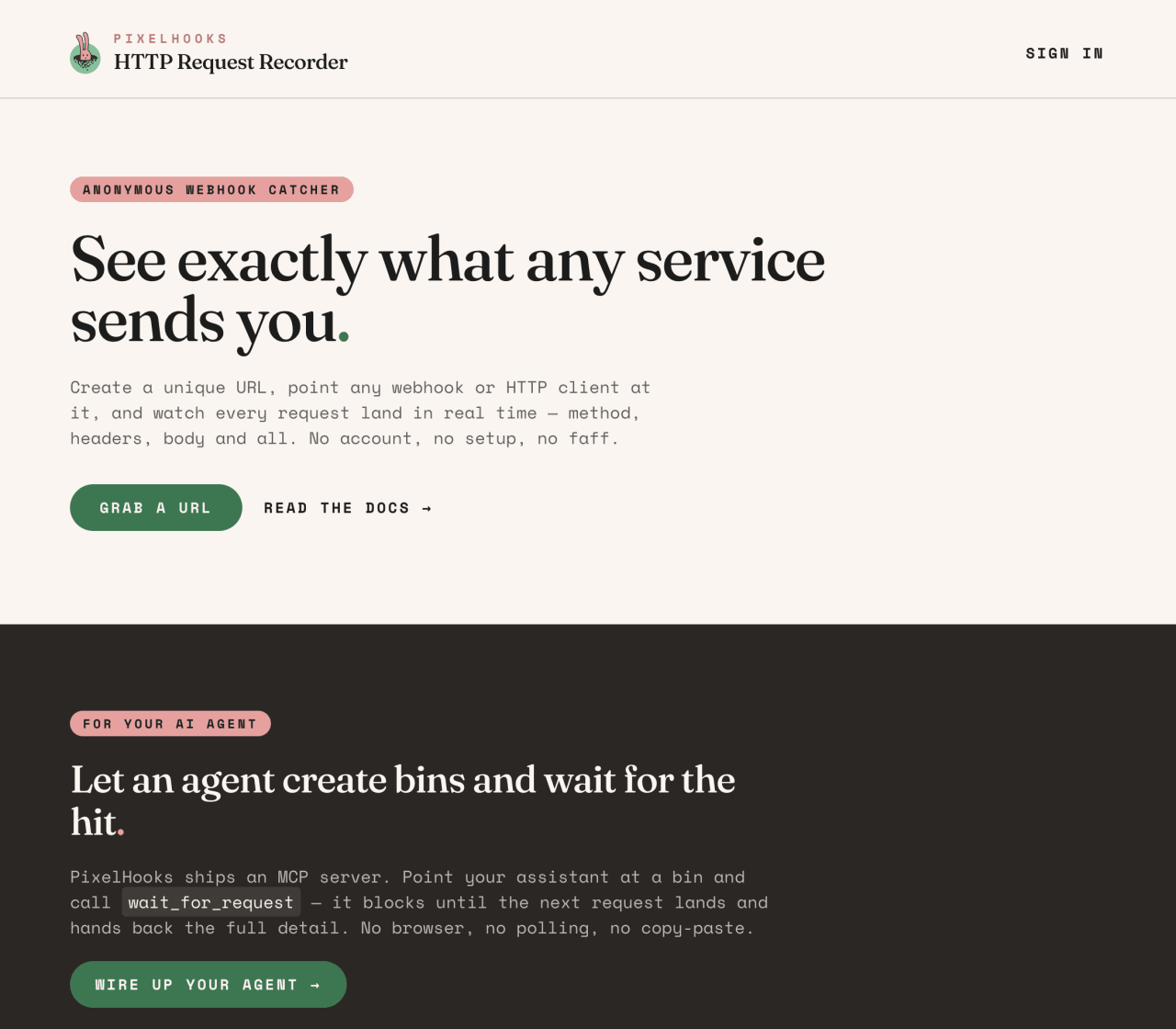 Two ways in: catch what lands, or let your agent drive the whole loop.
Put the two halves together and you've got a proper development aid. Your agent stands up a bin, you program the response it should return, and the agent builds against a real endpoint that behaves exactly how you told it to - then inspects precisely what it sent. The docs are agent-ready too: every page is plain markdown, indexed at /llms.txt, so grounding an assistant is a one-liner.
Lean under the hood
The whole thing - the app, the docs, the auth, and per-bin storage - runs as a single Cloudflare Worker, with D1 for auth and a Durable Object per bin. No separate backend, no Postgres, no Redis, no Docker. The earlier shape of this idea needed a database server and a pub/sub layer; this one needs neither, which means less to run and less to go wrong. We like building things that stay small.
A couple of honest caveats
Anonymous bins are unguessable but unauthenticated - anyone with the URL can read the requests, so treat a capture URL like a secret and keep real customer data off public bins. Configuring a response needs you signed in, since it's owner-only. And there are sensible limits: the last 100 requests per bin, 1 MB bodies, 64 KB response bodies, and anonymous bins idle-expire after 30 days. HTML response bodies are rejected on purpose - the capture endpoint shares an origin with the app, so a rendered body would be script execution where you don't want it.
That's it. Create a bin - no account needed to start - point something at it, configure what it sends back, and if you live in an AI editor, add the MCP server and let your agent drive. 🐰